Only superusers can work with locations.
If you want to change some attributes of a location and there are inventory assets assigned to that location, then all of those assets will be affected by the change.
To update the attributes of a location in the new UI:
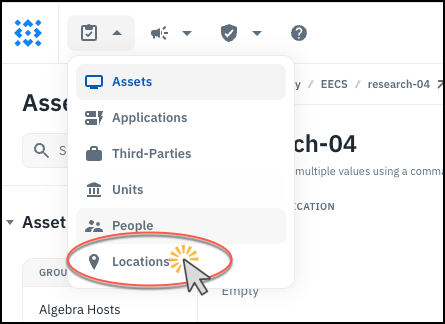
- Go to Locations on the Inventory menu.
-
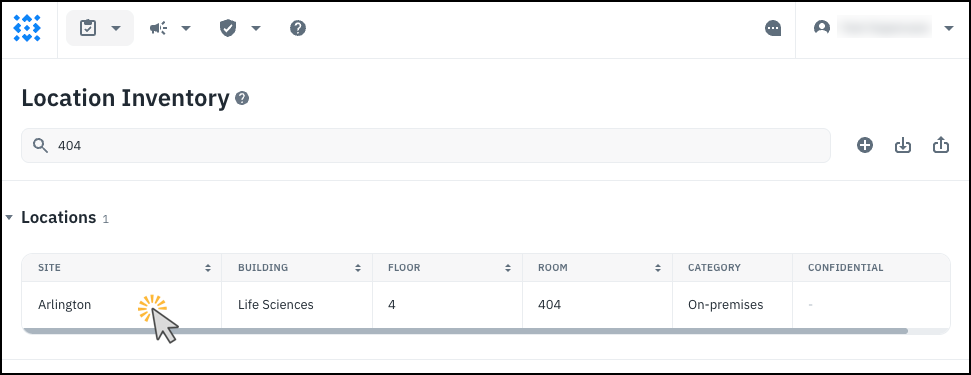
Use the search box to find the location you want to edit.
-
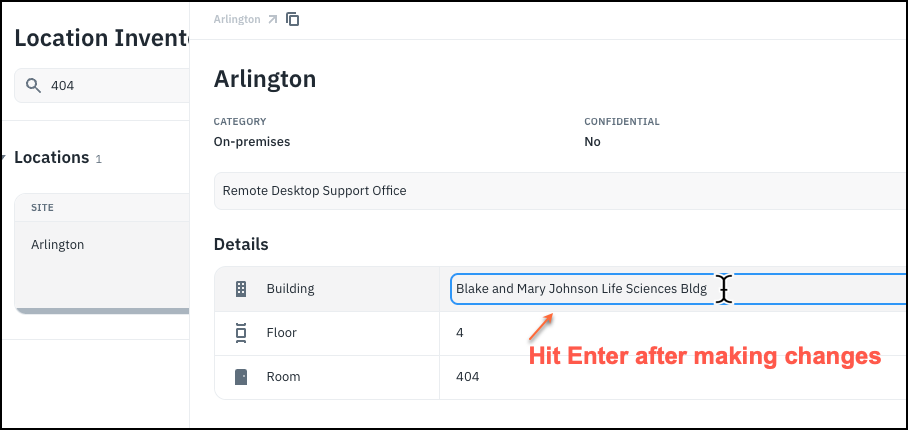
Change any fields as needed.
To update the attributes of a location in the old UI:
- Go to the Settings page and click on Locations which is under Organization. Then find the location in the table and click the pencil icon next it.

- Make any desired changes and click Save.

- Any assets associated with that location will automatically be updated.
Note: If you actually physically moved all of the assets in one location to another location, this would be a quick way to update all of those assets.