What is Isora GRC?
Isora GRC is an information security risk assessment and inventory control application. It can be used to conduct targeted risk assessments to assess compliance with specific laws and regulations such as: GLBA 314.4(b), FERPA, HIPAA, SOX, DFARS and GDPR. It can also be used to conduct organization-wide risk assessments against cyber-security frameworks such as: NIST 800-53, NIST 800-171, NIST CSF, ISO/IEC, ITIL and COBIT.
Who should read this document?
Anyone responsible for filling out surveys as part of an assessment. These people are referred to as survey participants, and they usually include people with various roles in units that are involved in assessments.
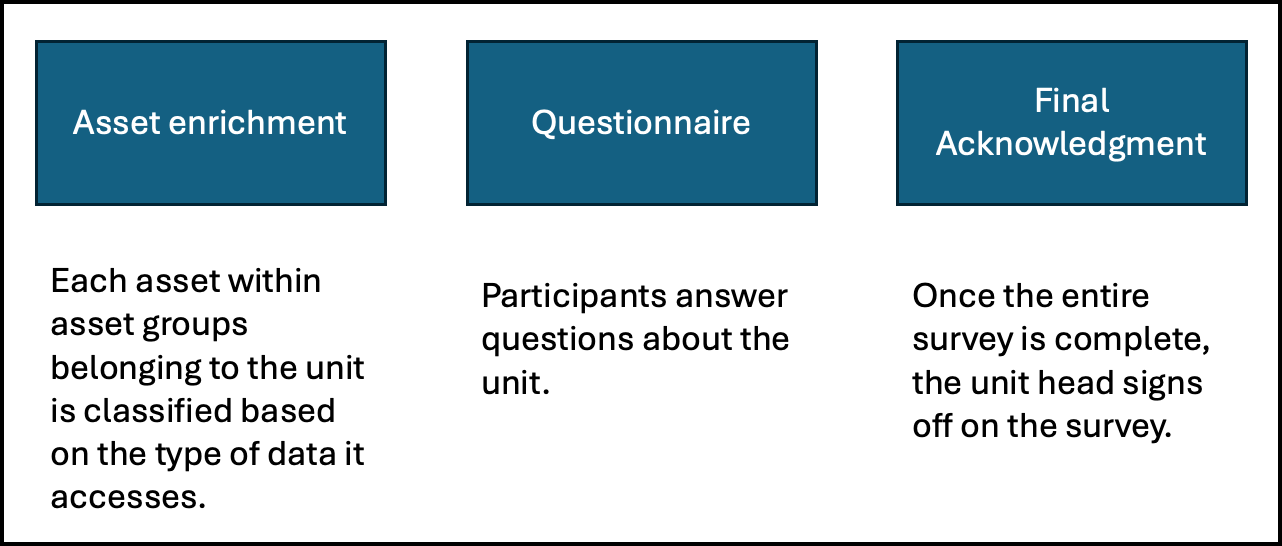
General Workflow for Participants: Unit Surveys
Unit assessments include surveys for each unit included in the assessment. The survey may consist of two parts- asset categorization and a questionnaire, or it may include only a questionnaire. As a non-superuser, you will only see the assets and questionnaire categories that are relevant to you. These could include assets that belong to a unit in which you have a role, questionnaires about your unit, and items for which you are a delegate.
If you have a role in multiple units, or you have questionnaire categories or assets delegated to you from a variety of different units, then you may be a participant in multiple surveys at the same time.
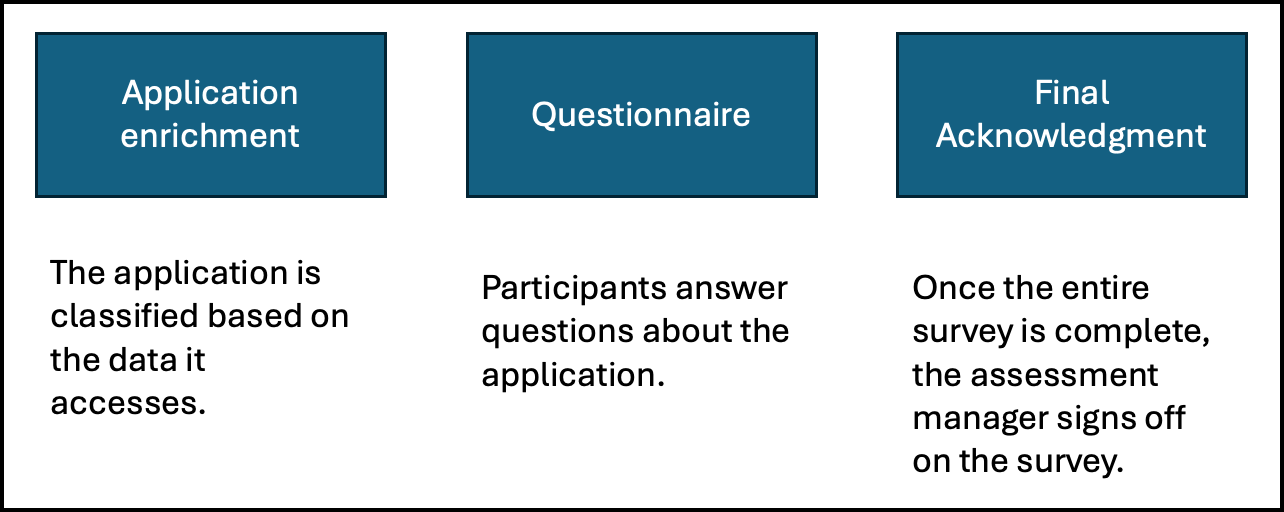
General Workflow for Participants: Application Surveys
Application Assessments have just one survey and they are usually filled out by the application delegate (ie the person who is assigned as the owner of the application). Anyone with an assessment manager or IT staff role in the unit that owns the application could also fill it out.
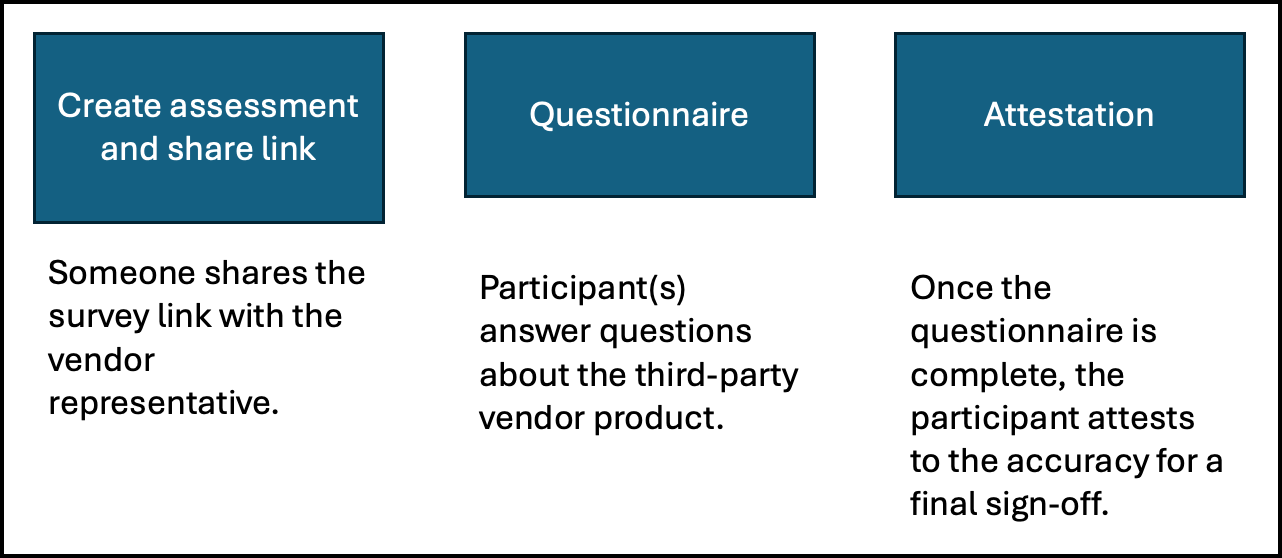
General Workflow for Participants: Third-Party Vendor Product Assessments
Vendor assessments consist of just one survey to be completed by a representative from a vendor. Unlike other assessments, anyone with a vendor requester role in a unit can create this type of assessment.
How will I know which assessments I need to participate in?
You will receive a notification from the administrator when you need to log into Isora GRC to participate in a survey. This will most likely take the form of an email with a link to the relevant survey(s).